← Everything the app may ask you to fix
Fix soon: customers are served worseA customer asked for something sold out
In the app: “Sold out: a customer asked for …”
A customer wanted something your catalogue lists with none left. The bot told them it is sold out and took no order. You are told each time a new customer asks for it, until you restock it or remove it.
- 1
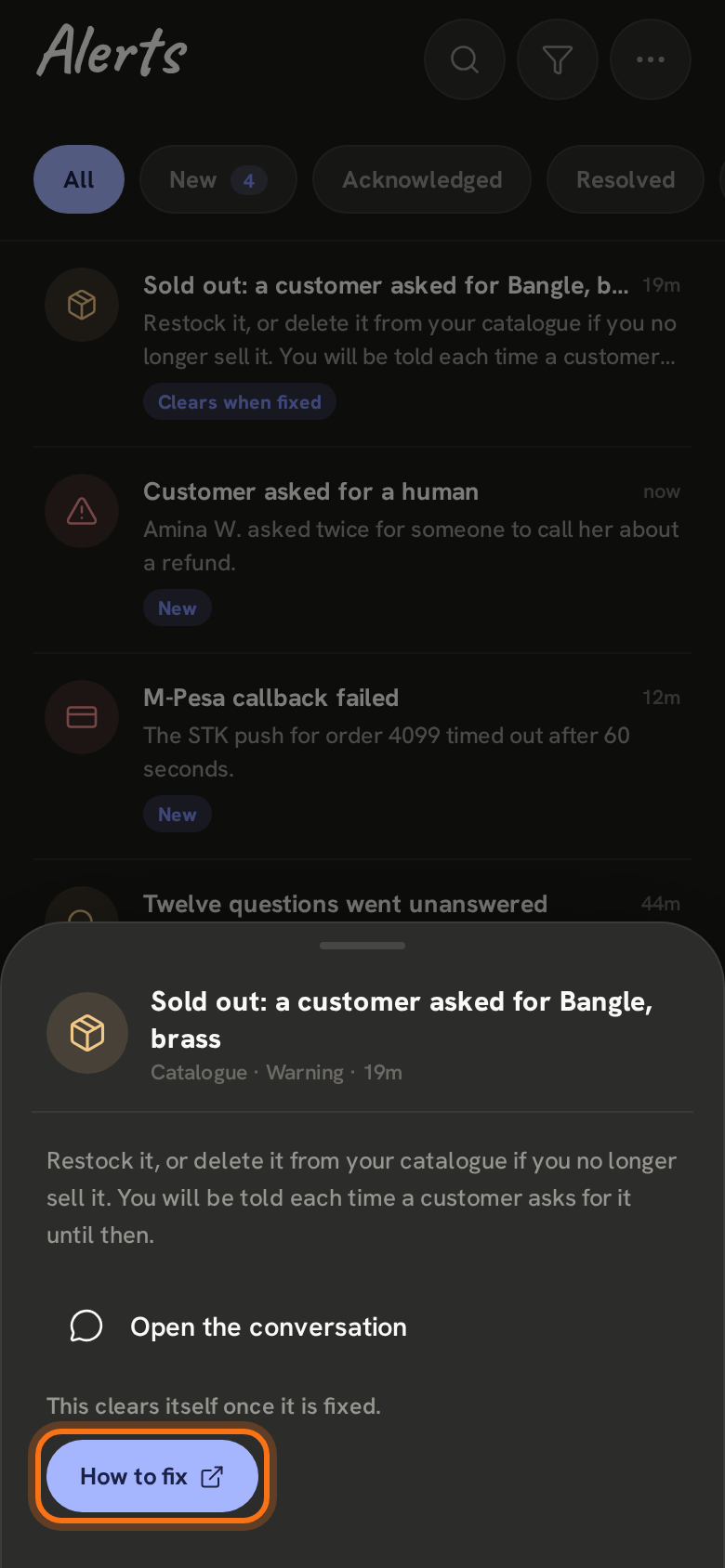
In Alerts it says Sold out: a customer asked for and the product. Open it and tap How to fix.
- 2
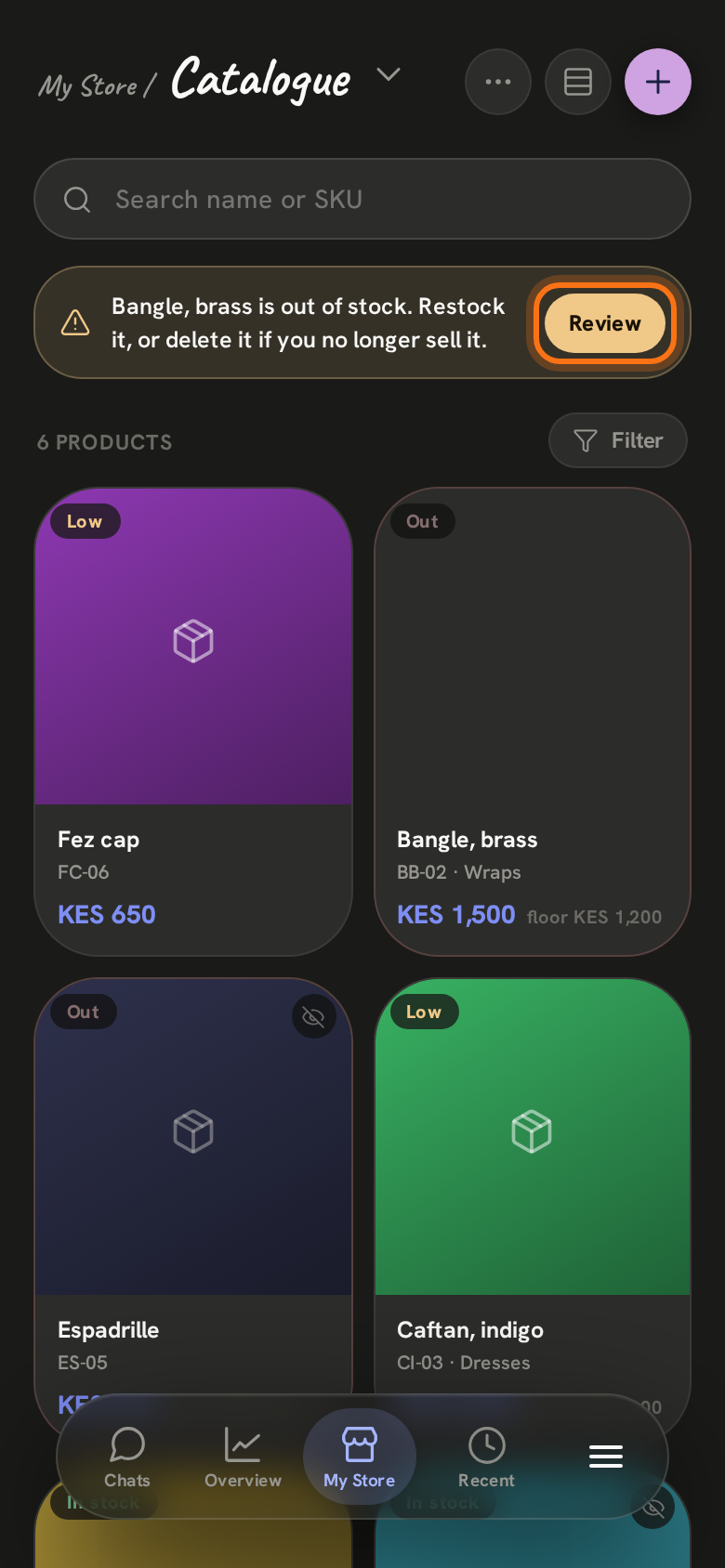
Tap My Store at the bottom, then the title at the top and choose Catalogue. A note at the top lists what is out of stock: tap Review.
- 3
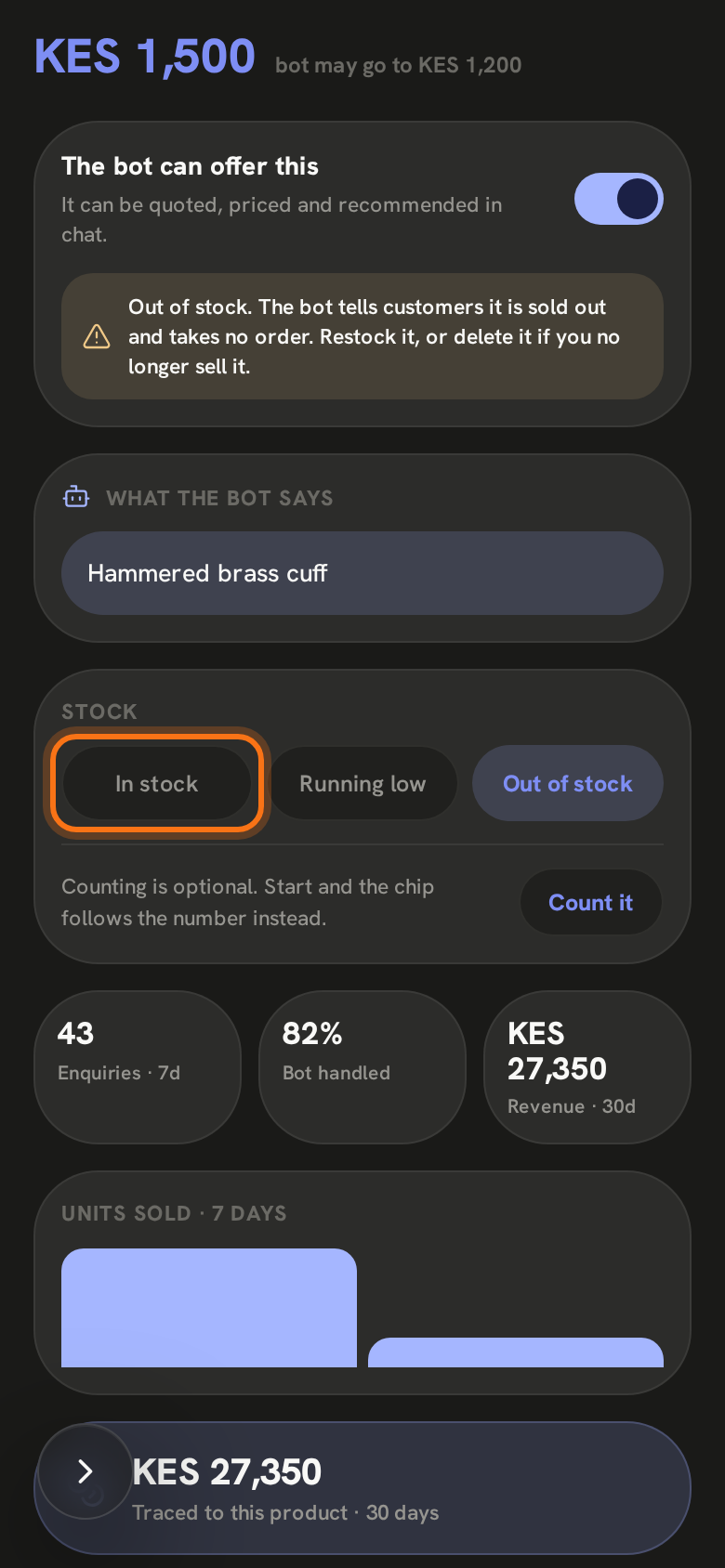
Open the product. If you have it again, tap In stock. If you no longer sell it, tap the pencil to edit it and choose Delete product at the bottom.
Restocked, deleted or hidden: every alert about it clears itself.
Still stuck? Email support@zenai.pro with your business name and what you see.